
1. ON YOUR ANDROID DEVICE, tap on the Dropbox link that your OpenKey Support team member provided to you.
ImGate DFU (Device Firmware Update) App
2. Tap on Continue to website.
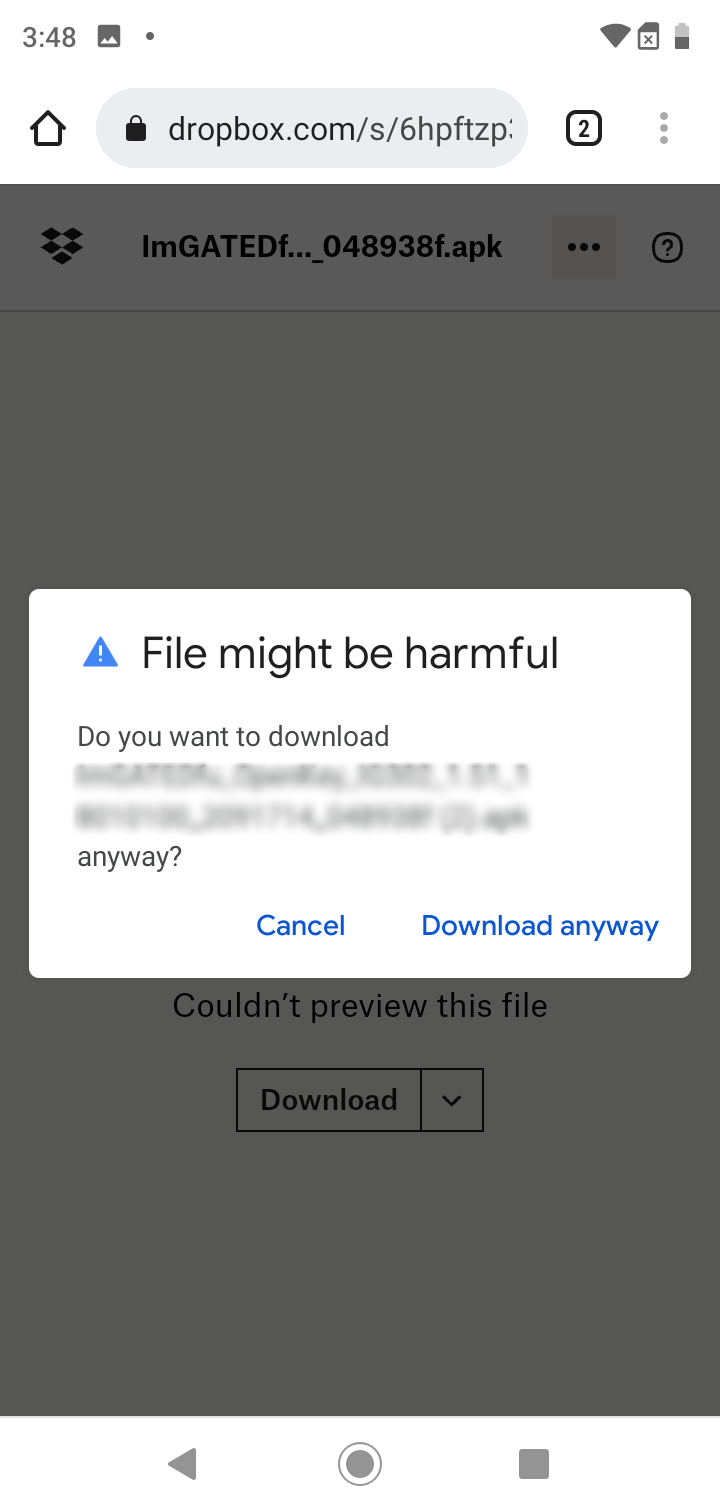
3. Tap on Download.
4. Tap on Download anyway.
5. Once the download is complete, go to your phone’s Files folder (it could also be called File Manager).
6. Tap on your Downloads folder (or whichever folder you designated the file to go to).
7. Tap on the ImGATE Dfu app.
8. Tap on Install.
9. When trying to install the app, some phones may have AutoBlocker, if this is the case, you may see the message below:
10. You will need to go into your settings, click on Security and Privacy, Auto Blocker, and click Turn Off
11. Try the Install again once it has installed, you can open the DFU App.