Hotels are encouraged to add Staff to the HIMS system. Just because you add staff here doesn't mean they need system access. For example, you can add your Housekeeping team members to assign them a Master Key, without giving them access to the system. If master cards are lost, it will be easier to Cancel those cards if there is a name attached to each master.
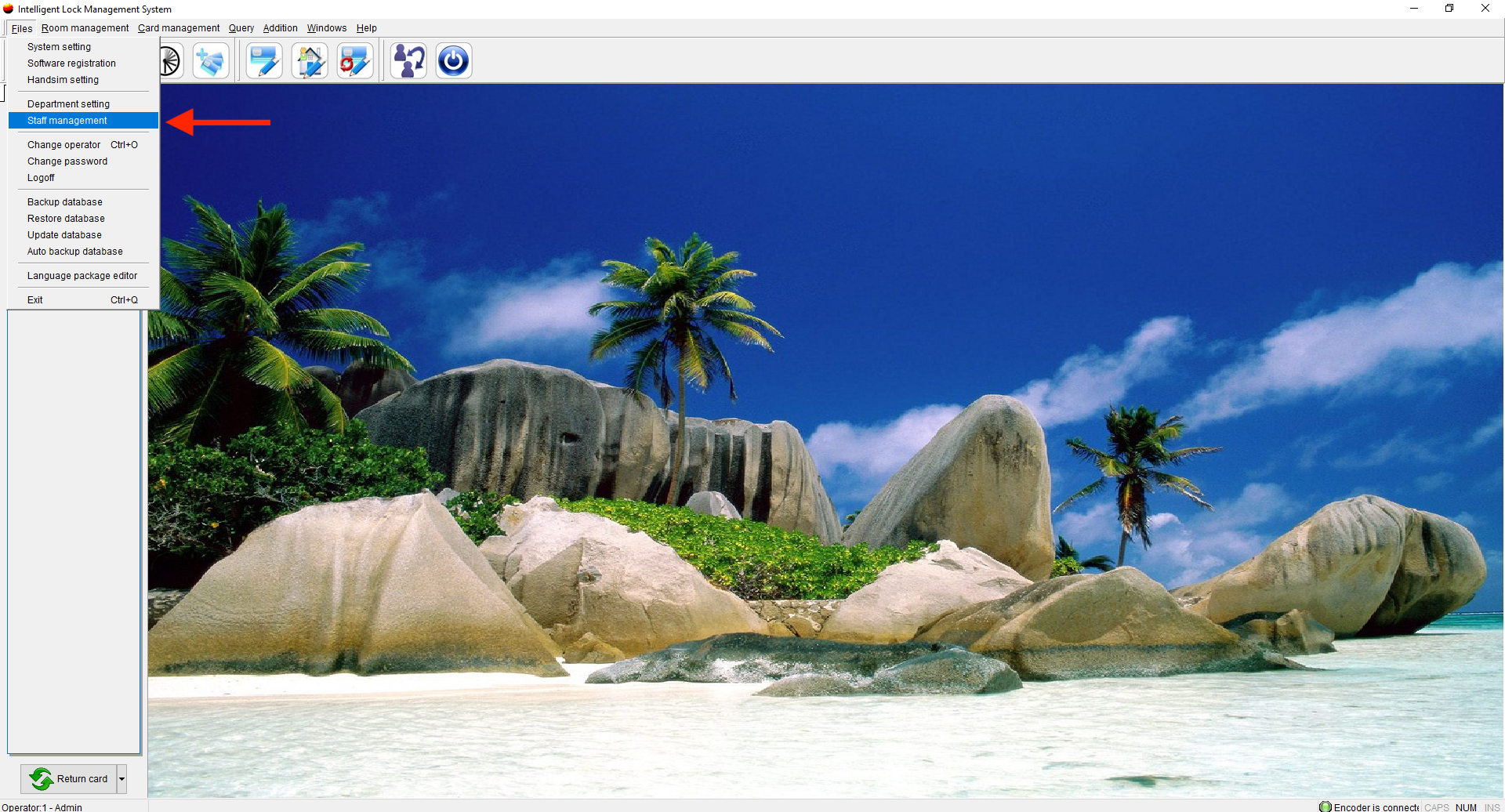
- Select Staff Management
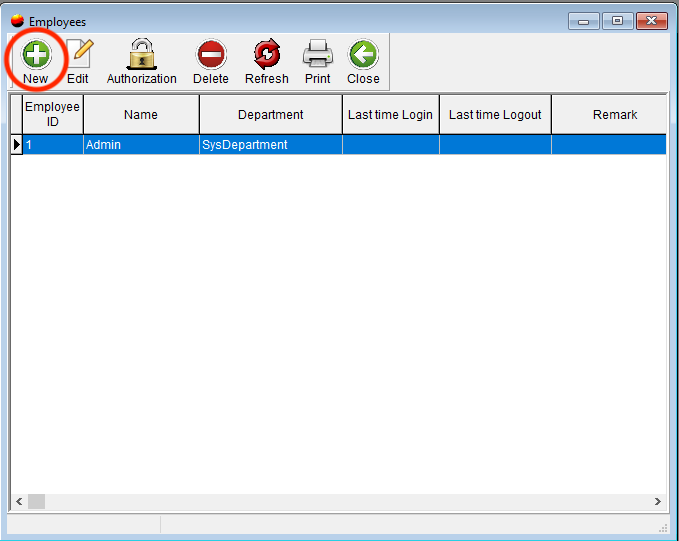
- Click New
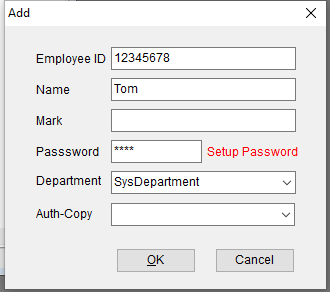
- Input Staff information and select a department. Select OK to finish. You can also set up a password for the user or simply leave it blank.
- Remember just because you are adding new staff members they do not need to access your software
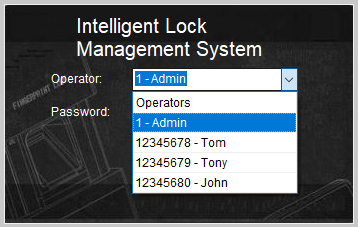
- When you exit the Hotel Intelligence Management System, you will see the list of possible operators to select.