
A Set Area Card will allow you to tap the lock and the guest cards have certain areas selected will be able to open these locks.
- Click Card Management and select Make Special Card
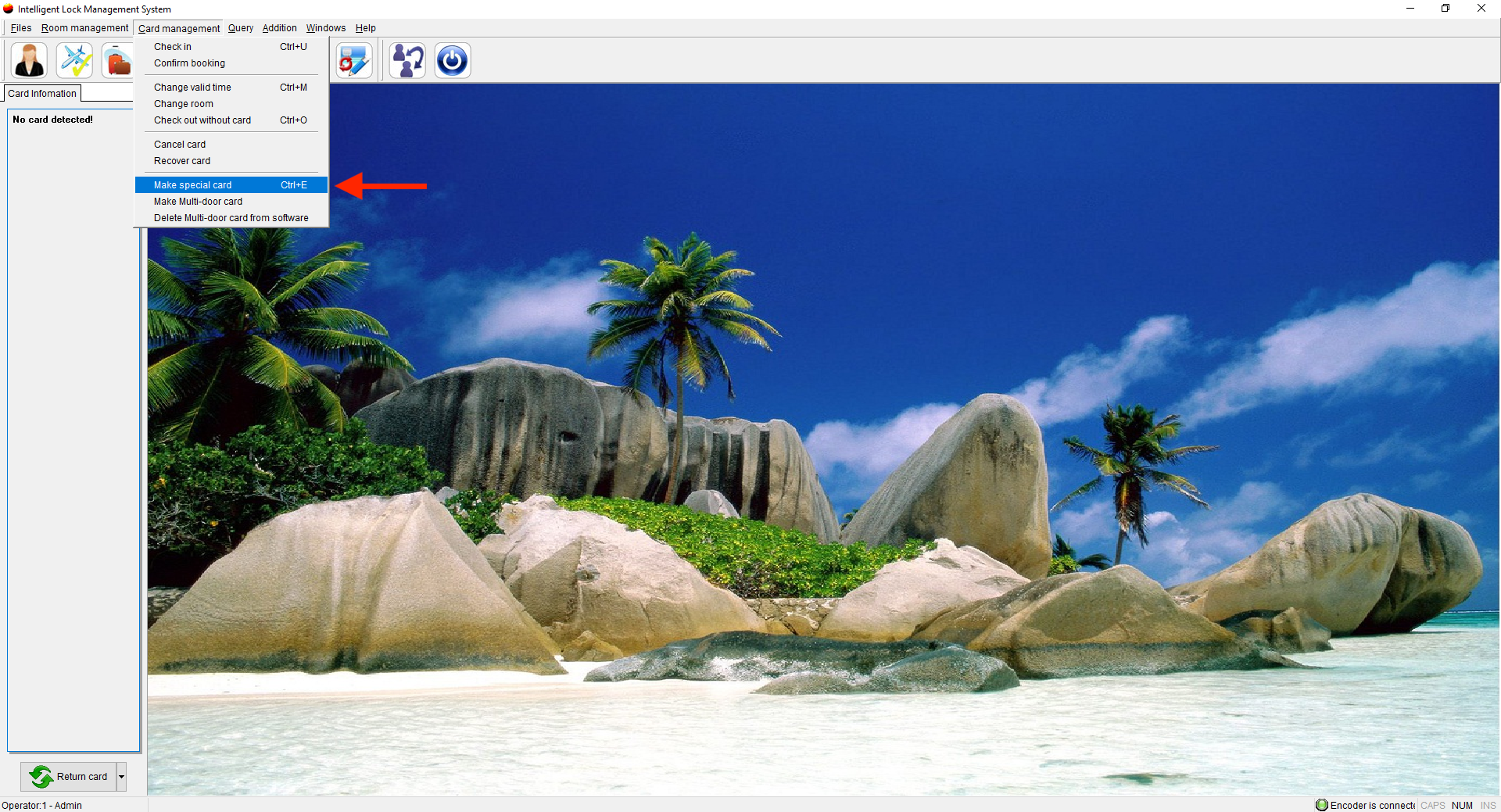
- Place a card on the encoder
- Choose Setting Card and click Set Area
- You can set all areas or just one specific area, if you choose Set One Area, you can select the Areas that have been created.
- Choose Card Holder
- Click Confirm
- Take this card to the Area and tap the lock, any guest card created with that area selected will be able to access the lock.