
- Place a card on the encoder, click on Card Management, and Select Make Special Card.
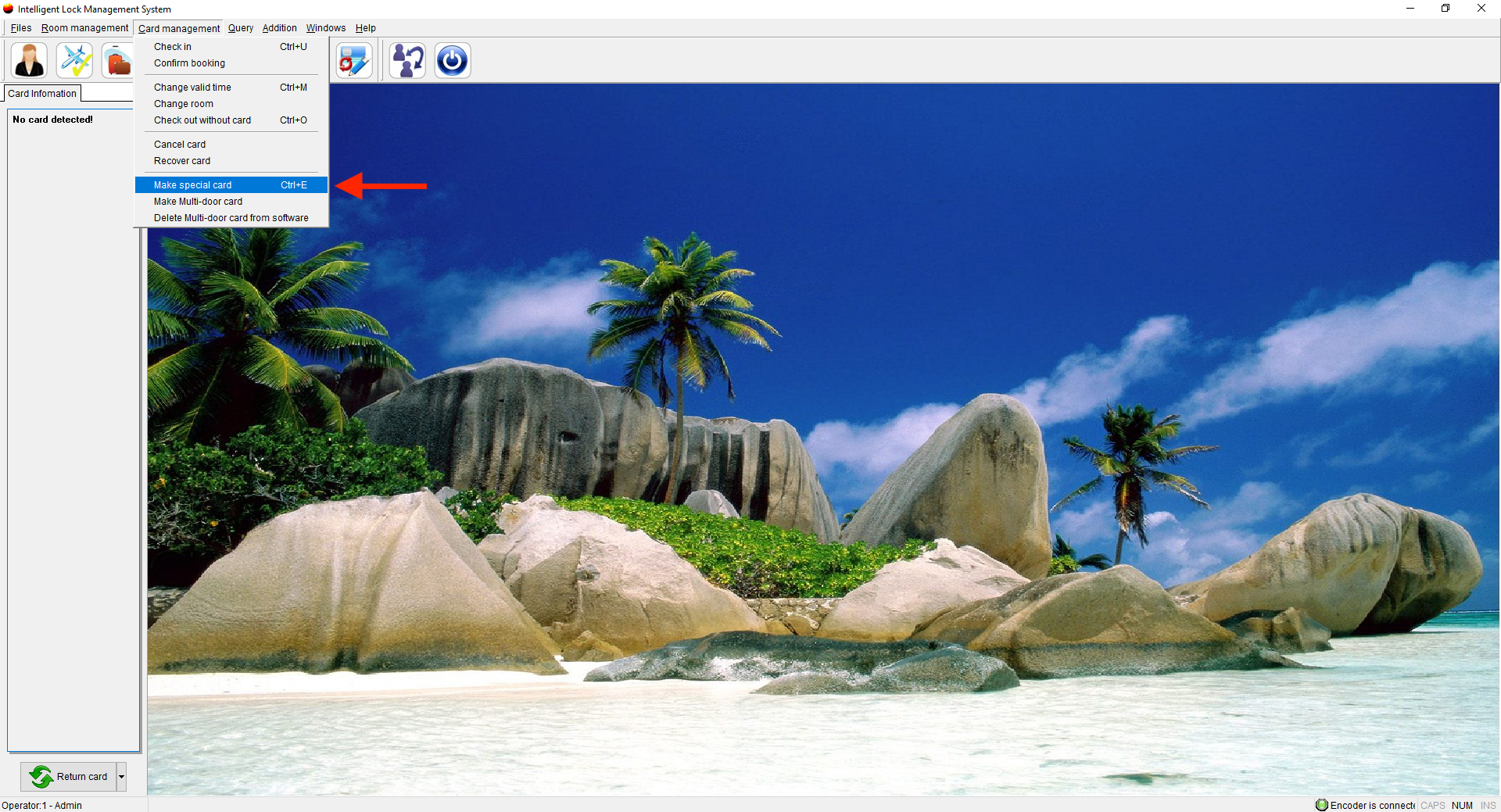
- Select Building Card
- Select the buildings you want to create this card for
- Select a Valid until date (We suggest not creating these cards for a long period of time in case the key is lost)
- Select the cardholder
- Select whether you want this card to be able to work in passage mode (Passage mode will allow the employee to touch the key to the lock and keep the lock open until it is touched for the second time, to remove the passage mode and the door will lock once again)
- Select whether you want this card to be able to unlock deadbolts (This will give the key access to unlock any deadbolts on doors, most hotels do not allow employees this option, only a Master Key will have that option.)
- Select Confirm
**Please note, this key will open all rooms in the buildings chosen.**